
Adobe Sign alternative: free, encrypted document signing
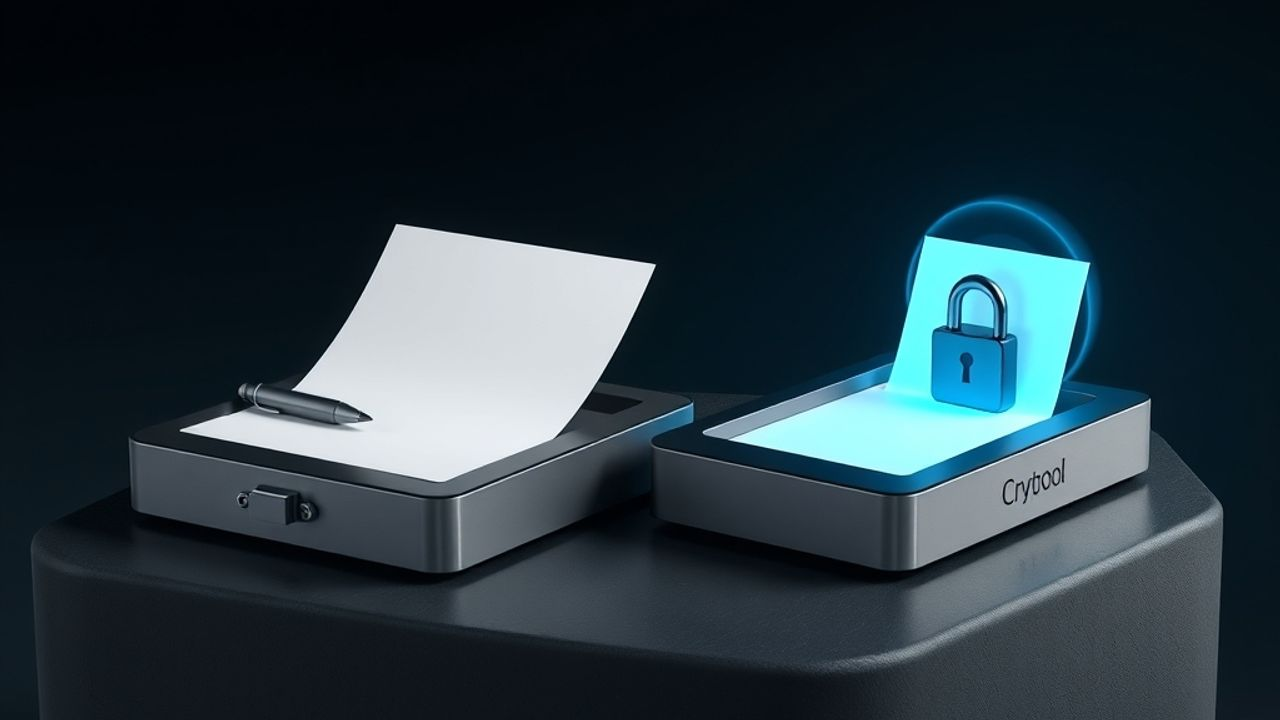
Most people searching for this type it as "Adobe Sign", though the product is properly called Adobe Acrobat Sign. It is a serious enterprise e-signature platform, and if your company already runs on Adobe it is the path of least resistance. The teams that go looking for an alternative are usually smaller than its target customer, paying for an estate they do not have, and signing a specific and repetitive set of documents. DocSign is a free, encrypted alternative that comes with your Cryptool account.
What Adobe Acrobat Sign does well
It is genuinely strong at the things enterprises need. Deep PDF handling, which is unsurprising given who makes it. Integration with Microsoft 365, Salesforce, and Workday. Audited compliance certifications that a procurement team can actually review, which is a real and rare thing. If a counterparty's legal department needs to sign off on your signing vendor, Adobe passes that review easily and DocSign is not trying to compete on it.
Where the fit breaks down
The pricing and the packaging both assume scale. Plans are per seat with envelope allowances, and the useful tiers bundle Acrobat features that a crypto team signing SAFTs will never open. There is also a structural point: your executed agreements live in Adobe's cloud in a form Adobe can read. For most industries nobody thinks twice about that. For a team whose entire operating assumption is that the platform should not be able to read your material, it is the wrong default.
What DocSign does differently
It is free with a Cryptool account. No seats, no envelope allowance, and no annual commitment.
Documents can be encrypted client-side. Encryption happens in your browser, the key is wrapped to your account key, and the server never sees plaintext. The honest caveat: an encrypted document cannot be shared with workspace members, since only the uploader holds the key.
Sovereign mode goes further. The PDF never leaves your device at all. Only a fingerprint is stored, and the signed copy is emailed rather than kept. That is the option Adobe structurally cannot offer, because storing and processing the document is the product.
The audit trail is a hash chain. Each event links to the previous one, so any later edit or insertion breaks verification for everything downstream. A certificate page is appended to the completed PDF.
Signature methods are yours to constrain. Typed, drawn, or an uploaded image, and the sender chooses which of those a given field will accept. An uploaded image is recorded distinctly from a live drawing, so the record shows which was used rather than flattening them into one thing.
Choosing between them
This is not a close head-to-head, because the two products are aimed at different buyers. If you need audited certifications, enterprise identity integration, and a vendor your counterparty's procurement team already trusts, use Adobe Acrobat Sign. If you are a small team that signs deal paperwork, wants it encrypted so the platform cannot read it, and does not want a per-seat subscription for the privilege, DocSign covers it at no cost.
Common questions
Is Adobe Sign the same as Adobe Acrobat Sign?
Yes. The product was renamed Adobe Acrobat Sign, and before that it was EchoSign. Most people still search for "Adobe Sign", and it is the same service.
Does DocSign handle multiple signers in order?
Yes. You can set a sequential signing order or send in parallel, use reusable templates with signer roles, and give each signer their own share link. Delivery failures are detected rather than silently swallowed.
Can I require identity verification before someone signs?
Optionally, yes. You can turn on an emailed one-time code per envelope, so the signer proves access to the address before the document opens.
Is DocSign compliant with eIDAS or the ESIGN Act?
We do not make that claim. Adobe holds audited certifications and says so; we have not put DocSign through an equivalent audit, and saying otherwise would be dishonest. What DocSign gives you is a signed PDF, a tamper-evident hash-chain audit trail, and a certificate page. Ask your counsel whether that meets your requirement.
Where do I start?
Open DocSign with your Cryptool account and send your first document.

'%3e%3cpath%20d='M3.58464%2016.6693C3.1263%2016.6693%202.73394%2016.5061%202.40755%2016.1797C2.08116%2015.8533%201.91797%2015.4609%201.91797%2015.0026V5.0026C1.91797%204.54427%202.08116%204.15191%202.40755%203.82552C2.73394%203.49913%203.1263%203.33594%203.58464%203.33594H16.918C17.3763%203.33594%2017.7687%203.49913%2018.0951%203.82552C18.4214%204.15191%2018.5846%204.54427%2018.5846%205.0026V15.0026C18.5846%2015.4609%2018.4214%2015.8533%2018.0951%2016.1797C17.7687%2016.5061%2017.3763%2016.6693%2016.918%2016.6693H3.58464ZM10.2513%2010.8359L16.918%206.66927V5.0026L10.2513%209.16927L3.58464%205.0026V6.66927L10.2513%2010.8359Z'%20fill='%232F4644'/%3e%3c/g%3e%3c/svg%3e)


'%3e%3cpath%20d='M17.6986%203.85159L15.058%2016.3047C14.8587%2017.1836%2014.3392%2017.4024%2013.6009%2016.9883L9.57749%2014.0235L7.63608%2015.8906C7.42124%2016.1055%207.24155%2016.2852%206.82749%2016.2852L7.11655%2012.1875L14.5736%205.44924C14.8978%205.16018%2014.5033%205.00002%2014.0697%205.28909L4.85093%2011.0938L0.882175%209.85159C0.0188933%209.58205%200.00326826%208.9883%201.06186%208.57424L16.5853%202.59377C17.3041%202.32424%2017.933%202.75393%2017.6986%203.85159Z'%20fill='%232F4644'/%3e%3c/g%3e%3cdefs%3e%3cclipPath%20id='clip0_17601_246206'%3e%3crect%20width='17.5'%20height='20'%20fill='white'%20transform='translate(0.25)'/%3e%3c/clipPath%3e%3c/defs%3e%3c/svg%3e)